ZeusX Logo
ZeusX Logo
๊ณ„์ •
๊ฒŒ์ž„ ๋‚ด ์•„์ดํ…œ
์ถฉ์ „
๊ฒŒ์ž„ ์ฝ”์ธ
๊ฒŒ์ž„ ์„œ๋น„์Šค
NEW
๊ณ„์ •
๊ฒŒ์ž„ ๋‚ด ์•„์ดํ…œ
์ถฉ์ „
๊ฒŒ์ž„ ์ฝ”์ธ
๊ฒŒ์ž„ ์„œ๋น„์Šค

1 of 1
1 of 1

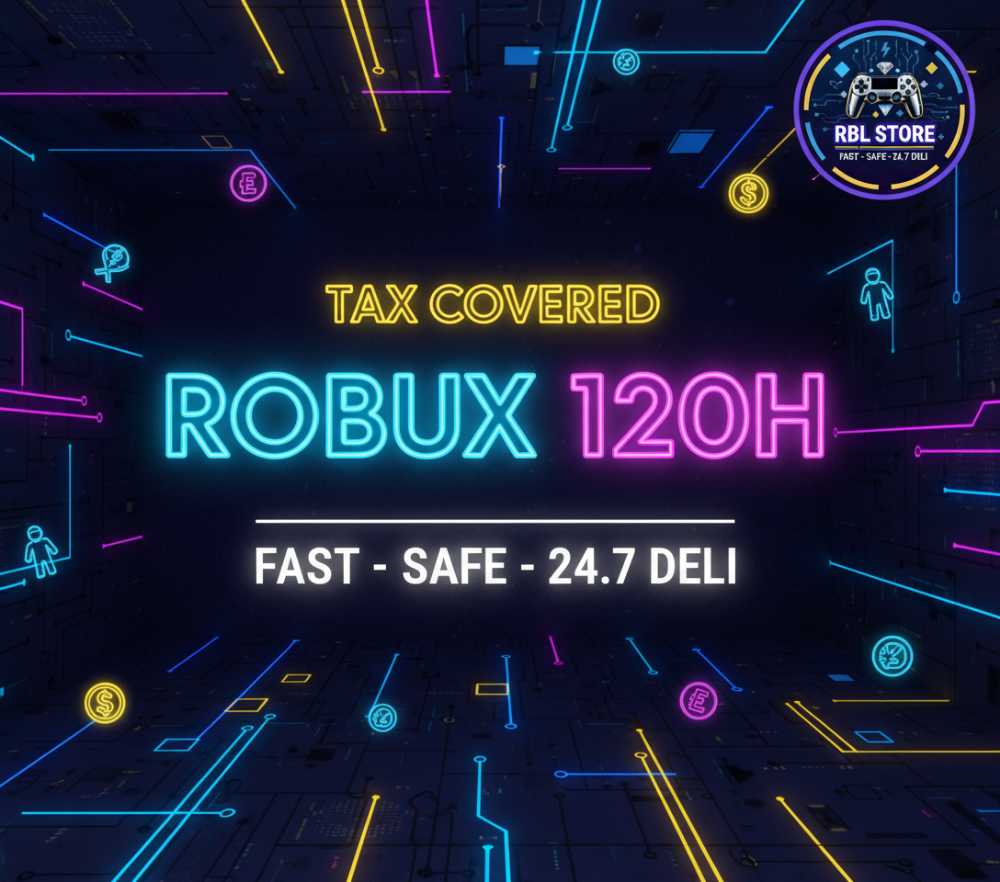
5000 Robux 120h [7143rb] - TAX COVERED๐Ÿ’ŽRBL Store

Average Response Time: TBD
์„ค๋ช…

**Buyer Guideline– How to Create a Roblox Gamepass and Send the Link**

1. Go to the Create page atโ€ฏGamepass. Click the gear icon (โ‹ฎ) → Createโ€ฏPass.

3. Upload an image for the Gamepass icon, give it a name and, if you like, a description. Then click Preview → Verifyโ€ฏUpload.

4. Return to Create → Passes, find your new Gamepass, click the gear icon → Configure. Under Sales (in the left menu) toggle “Item for Sale” ON, set your price in Robux (tax covered), then click Saveโ€ฏChanges.  DO NOT enable regional pricing

5. After saving, open the Gamepass page, copy the URL, and send it to me so I can make the purchase (you’ll receive the Robux in about 120โ€ฏhours).

**We cannot guarantee that your account will not be subject to suspension or banning.**

์‚ฌ์–‘
ํ•ญ๋ชฉ ์œ ํ˜•
๊ฒŒ์ž„ ๋‚ด ์•„์ดํ…œ
๊ฒŒ์ž„
Roblox In Game Items
์žฌ๊ณ  ์žˆ์Œ
999
Game
Z - Others
๋ฐฐ๋‹ฌ ๋ฐฉ๋ฒ•
์กฐ์ •๋จ
์˜ˆ์ƒ ๋ฐฐ์†ก ์‹œ๊ฐ„
1 Hour
ํŒ๋งค์ž ๋ฆฌ๋ทฐ (2,997)
๋””๋น„
๋””๋น„
3์›” 02, 2026
Good Delivery by Seller! <auto-update by ZeusX after 48 hours>
l**a
l**a
3์›” 02, 2026
very fast delivery
An*******by
An*******by
3์›” 02, 2026
sa*********dd
sa*********dd
3์›” 02, 2026
Good Delivery by Seller! <auto-update by ZeusX after 48 hours>
du*******ng
du*******ng
3์›” 02, 2026
Fast
Ny*******ng
Ny*******ng
3์›” 02, 2026
XN*******42
XN*******42
3์›” 02, 2026
Ra*******uz
Ra*******uz
3์›” 02, 2026
Good Delivery by Seller! <auto-update by ZeusX after 48 hours>

ยฟโˆซ*Y?
ยฟโˆซ*Y?
3์›” 02, 2026
Great Service Quick and easy
bi****ng
bi****ng
3์›” 01, 2026
quick and easy
Ju*******an
Ju*******an
3์›” 01, 2026
Delay
il*ro
il*ro
3์›” 01, 2026

์ข‹์•„ํ•  ์ˆ˜ ์žˆ๋Š” ์œ ์‚ฌํ•œ ํ•ญ๋ชฉ