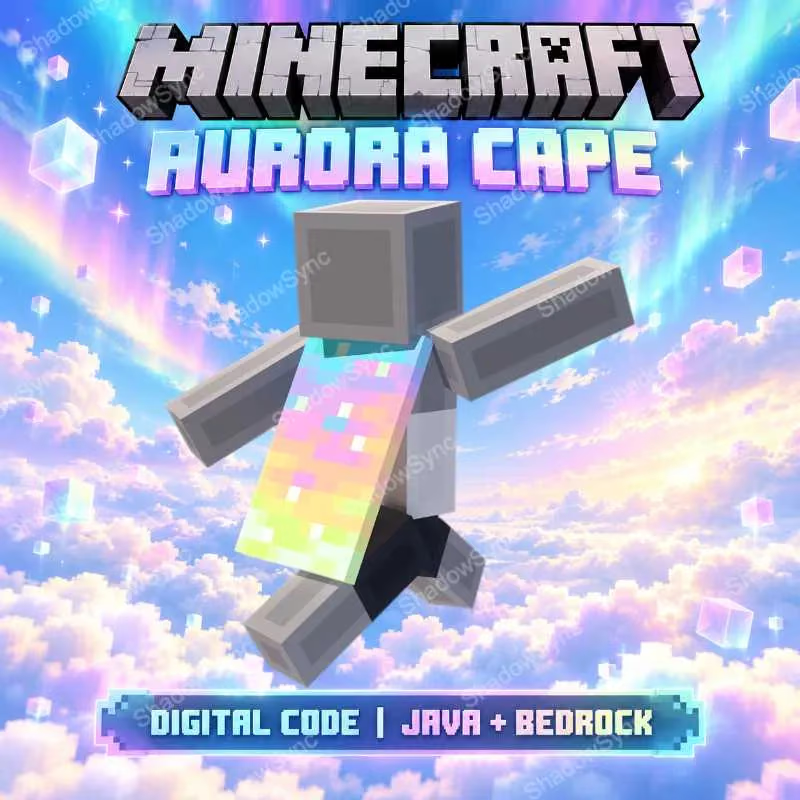
🌈 MINECRAFT AURORA CAPE
Receive 1 unused digital redeem code for the Minecraft Aurora Cape.
🎁 WHAT YOU RECEIVE
🟣 1× Aurora Cape Redeem Code
HOW TO REDEEM
1. Go to the official Minecraft redemption page: minecraft.net/redeem
2. Sign in with your Microsoft Account.
3. Enter the provided one-time-use code and complete the redemption.
4. Open Minecraft: Bedrock Edition and check your Dressing Room for the cape.
5. Java players: follow the instructions below to equip the cape in Java Edition.
⚠️ IMPORTANT
• This listing includes the Aurora Cape only.
• Each code can only be redeemed once.
• Microsoft Account required.
⚠️ NOTE FOR JAVA PLAYERS
After redeeming the code, first open Minecraft: Bedrock Edition and check the cape in your Dressing Room.
Then open Minecraft: Java Edition → Skins → select your current skin → ••• → Edit → choose the cape → Save & Use.
If the cape does not appear immediately, restart the Minecraft Launcher / Java Edition and make sure you are signed in with the same Microsoft Account used to redeem the code.