How to Sign in to Gmail Account?
1. Enter the Gmail address, then enter the password.
2. When you get to the 2-step verification, click (More ways to verify) and then (backup code) method. Enter one of the 8-digit backup codes and get into it.
3. After Signing in, please don't forget to change your password, email, phone recovery, If you still need a code, send a message
==================
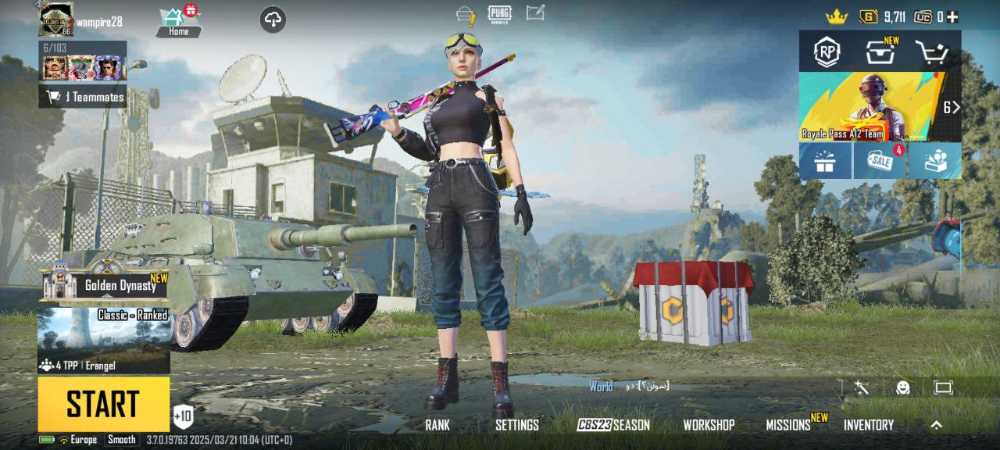
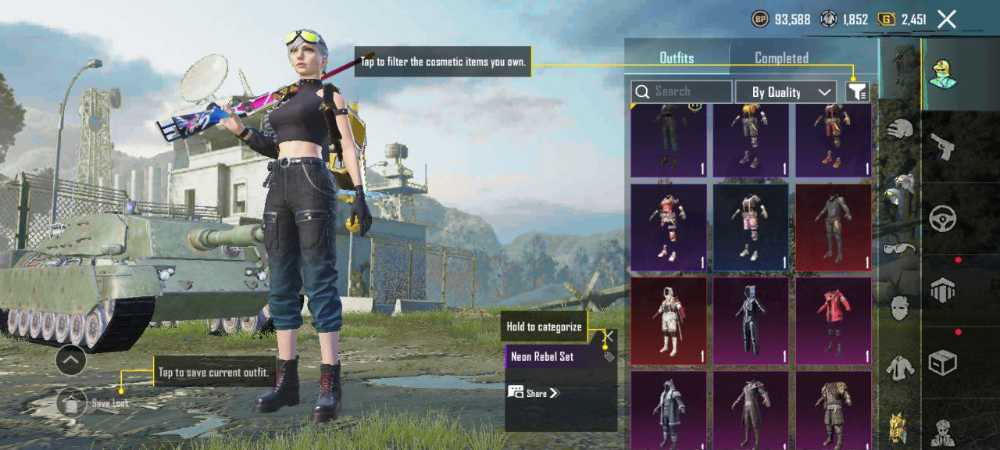
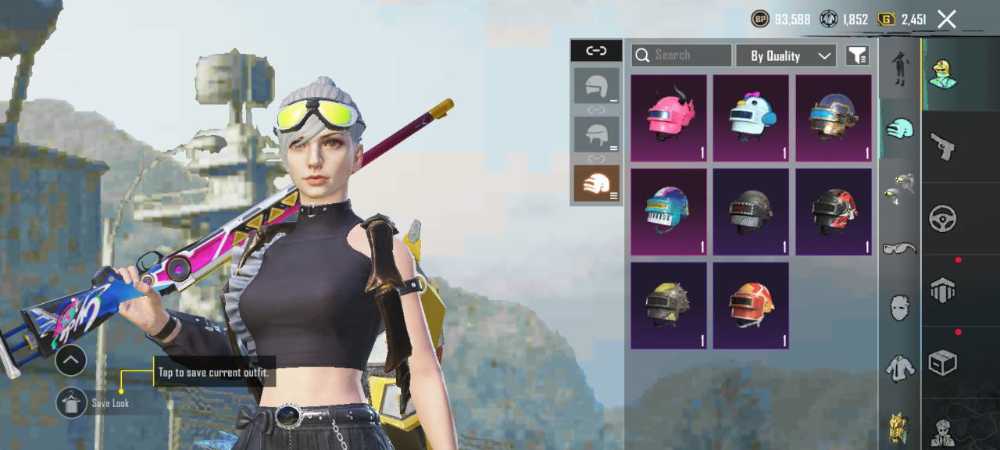
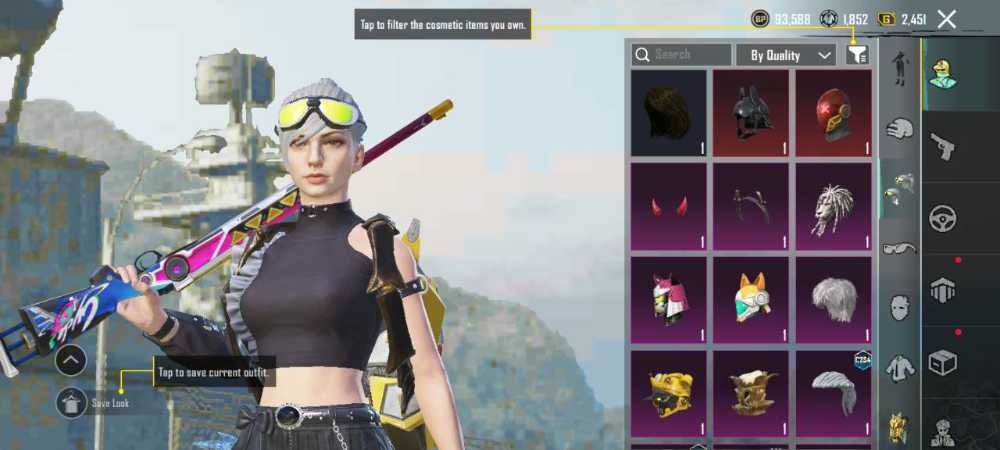
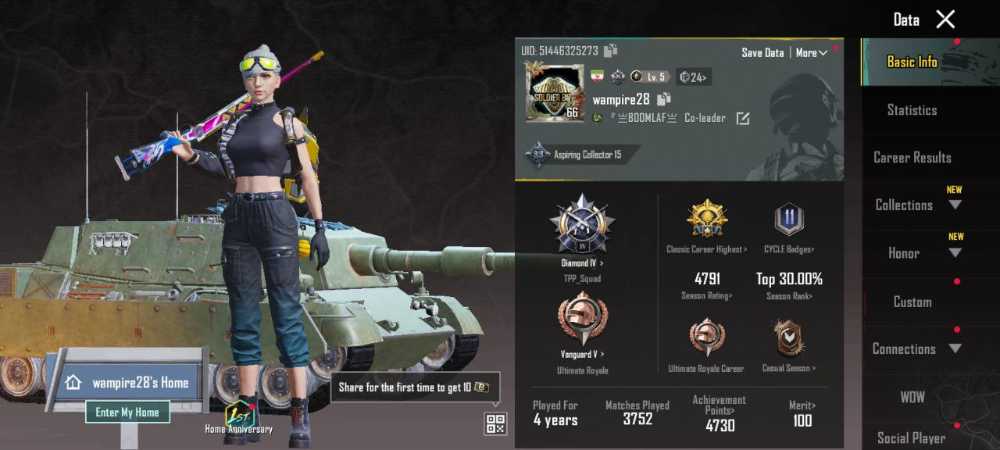
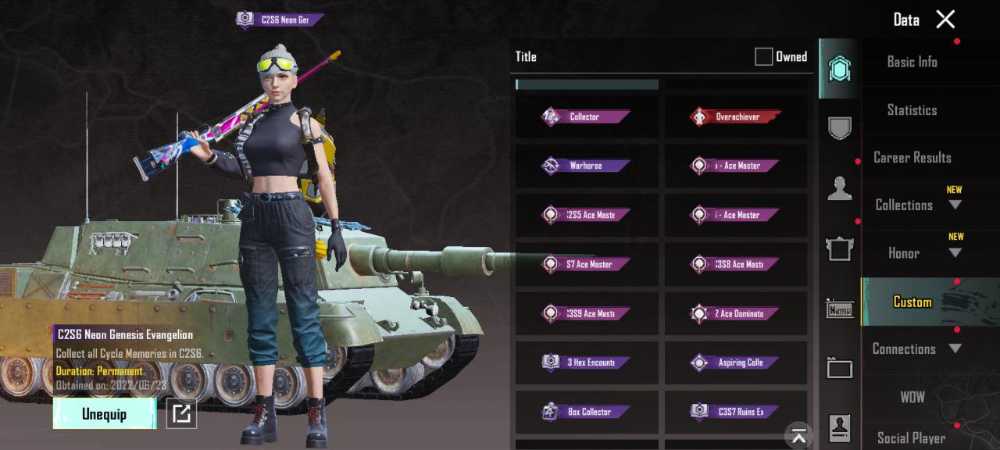
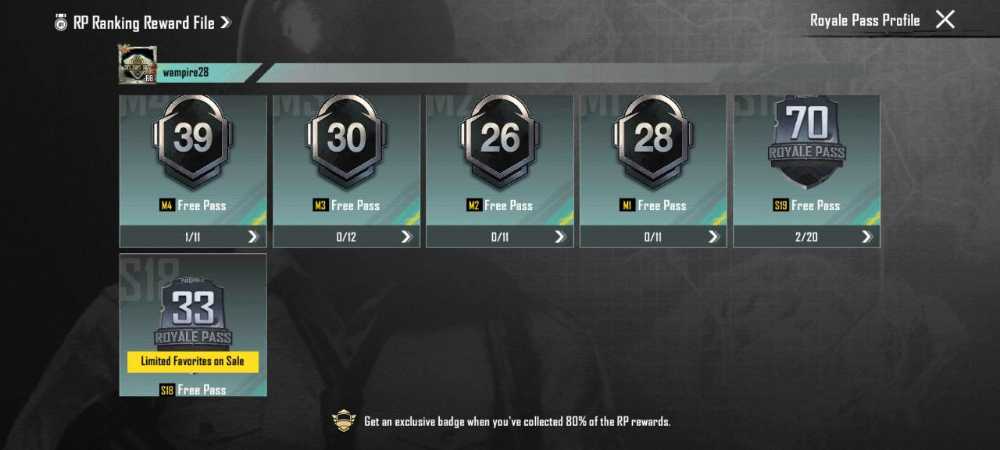
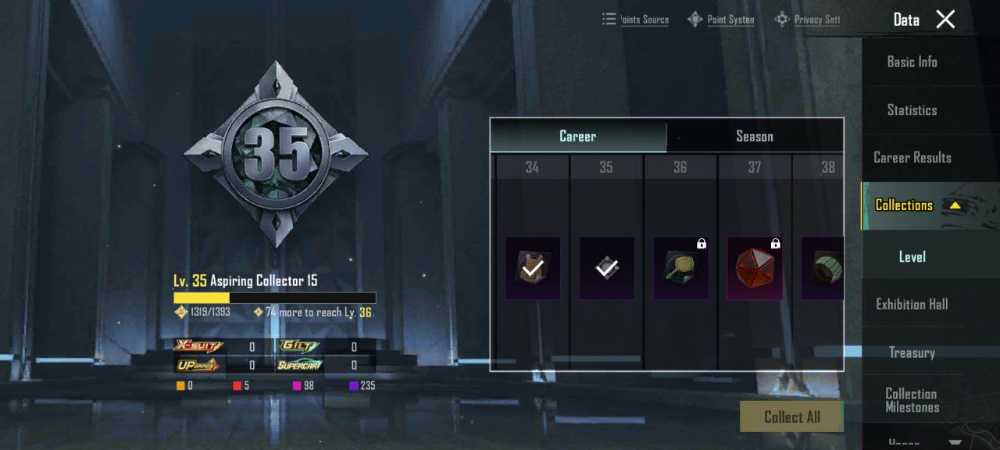
PUBG Account Info :
Google play :[email protected]
Password: Ma1952266
Email: [email protected]
Password: Ma1952266
LvL_ 66
Login Method:Google Play-Email
Code_ P78
===================
Backup Code
1. 9234 9129 6. 7905 3543
2. 8279 5263 7. 9639 9167
3. 5228 5188 8. 1828 4194
4. 5837 1391 9. 5586 0484
5. 8669 9094 10. 4118 2028
====================
To Avoid Being Banned:
1. Don't message PUBG support
2. Don't use the bot.
3. Don't share your account.
Please do not contact game support. The account will be banned or locked if you send any messages to game support. If you contact game support, you will be responsible for the consequences.