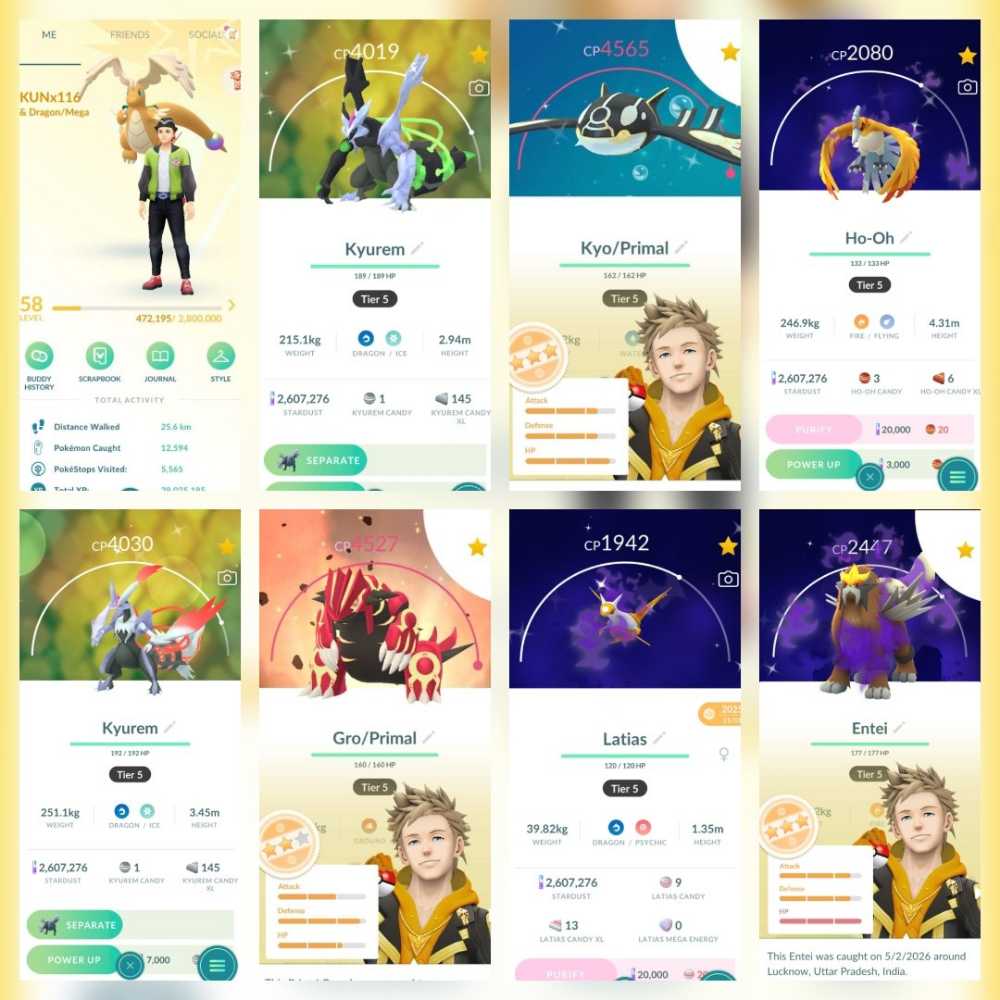
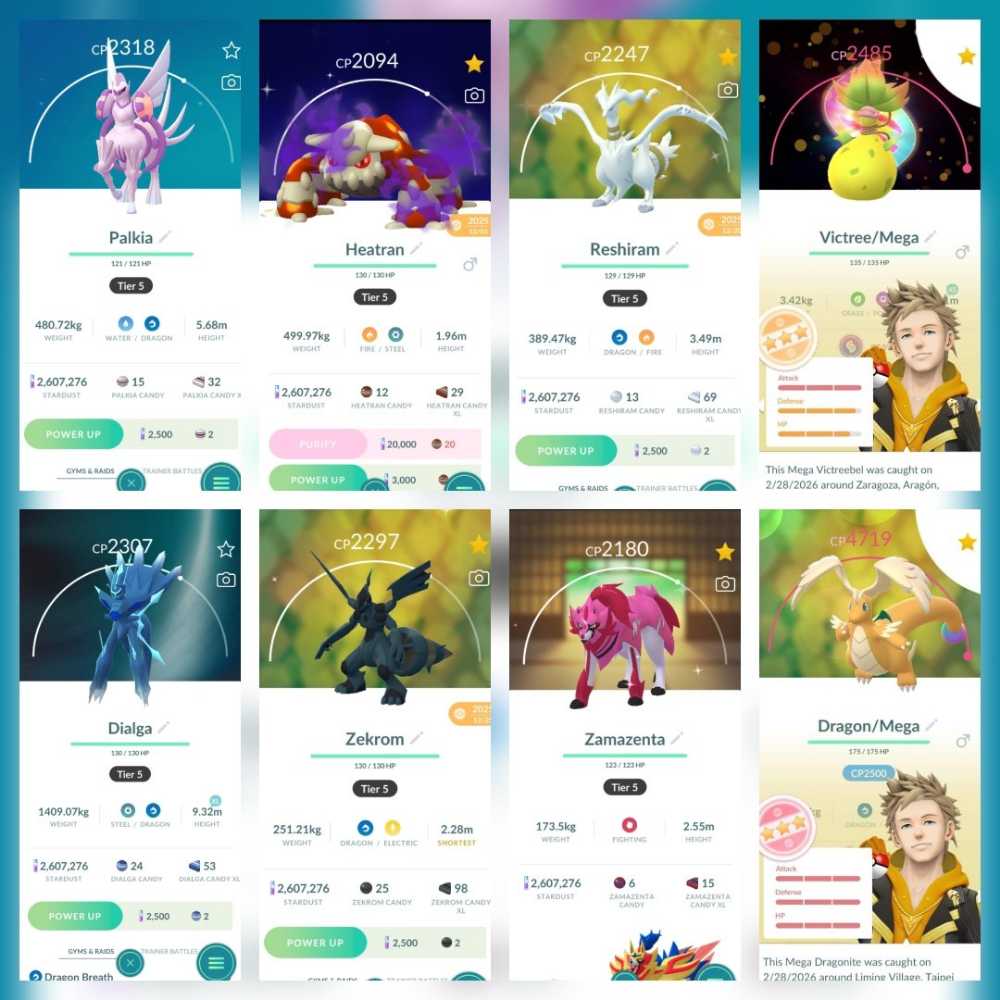
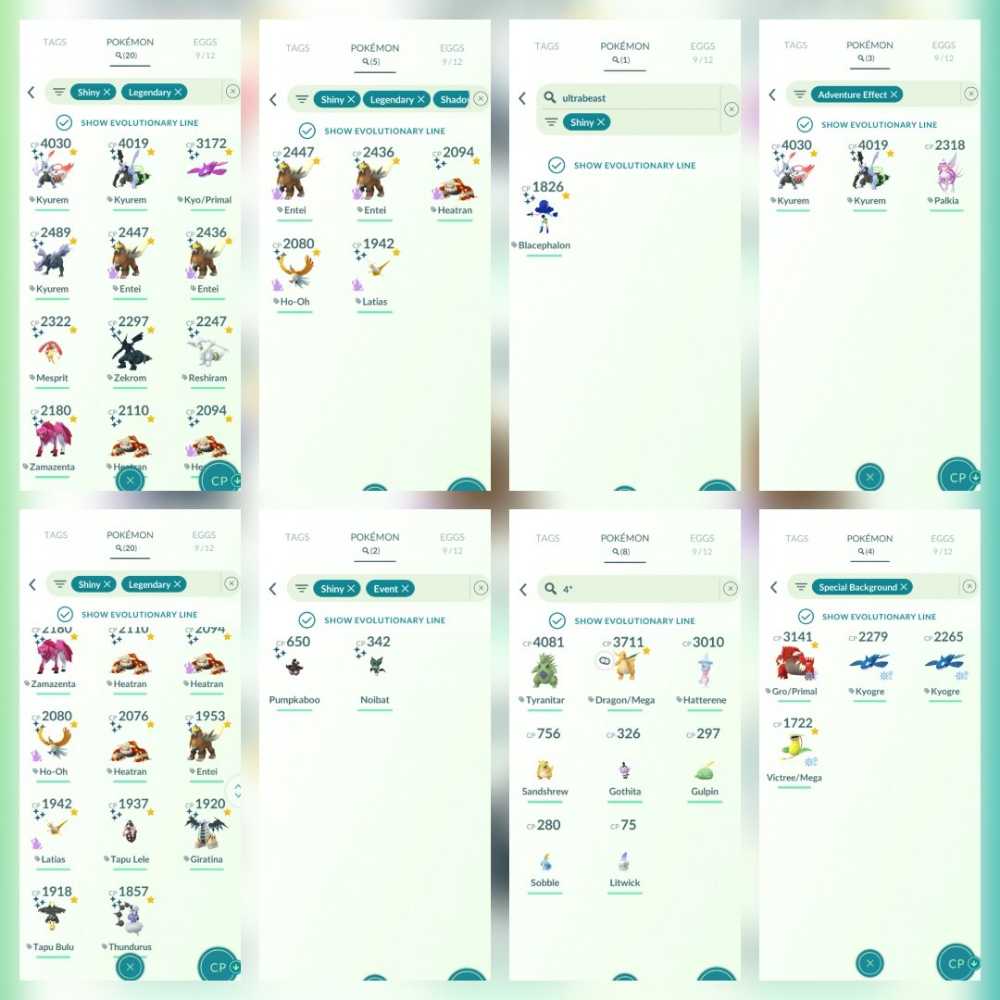
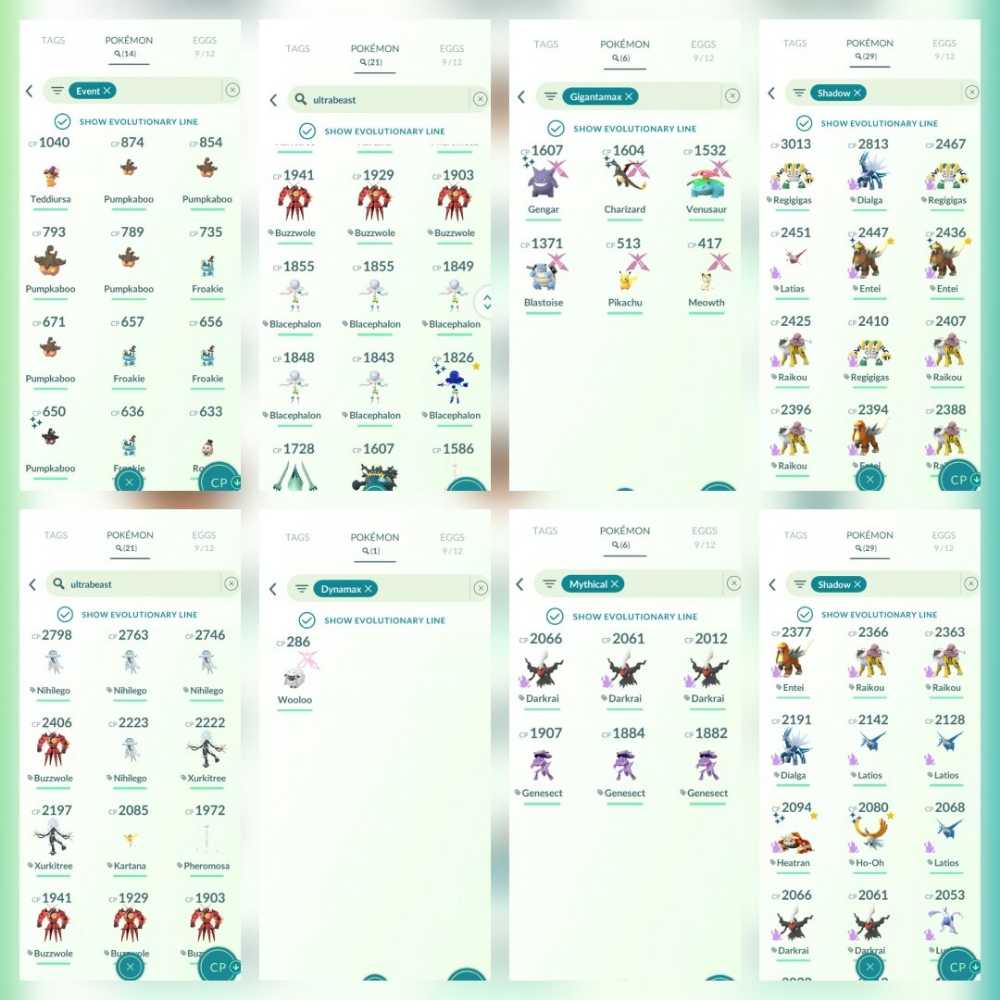
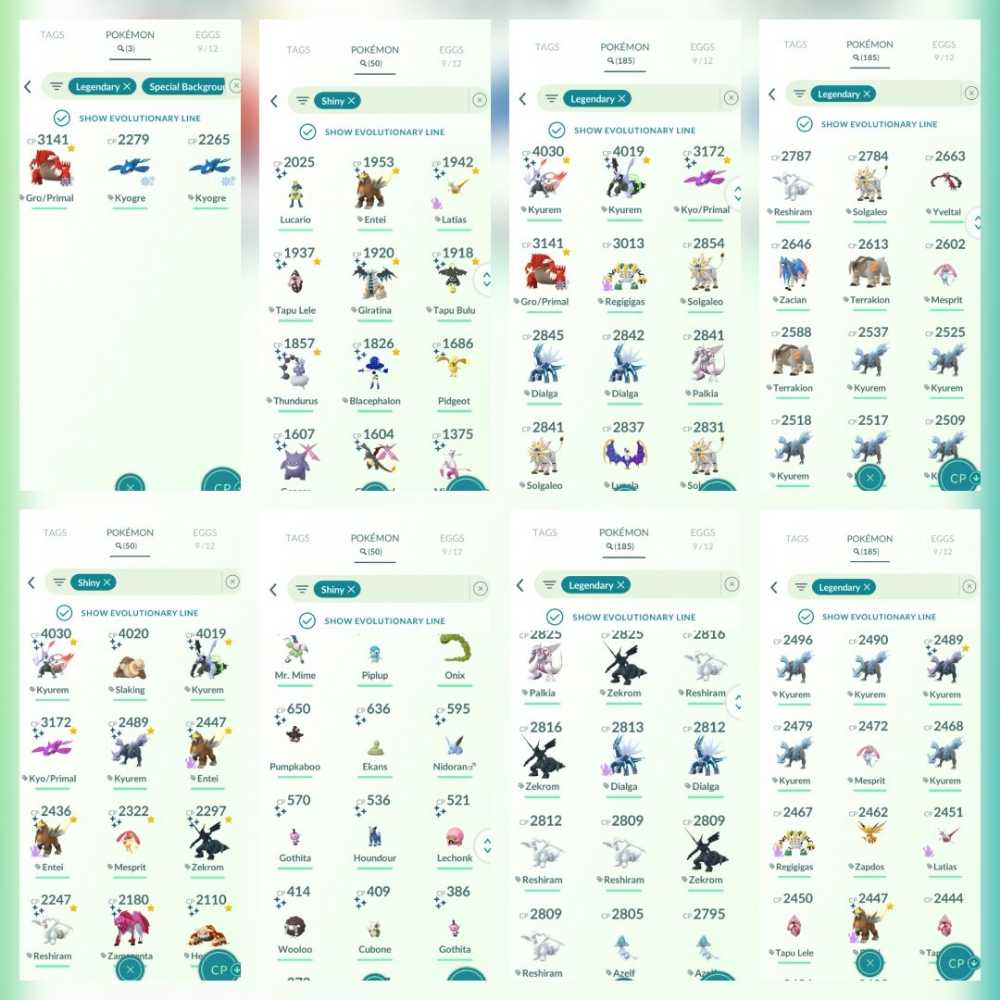
Email : [email protected]
Password : hidayah12
Username: KUNx116
PTC username : kunweek
PTC password : pogo@soP1
📌 After receiving the account:
* You can log in immediately using Google or you can use PTC
* After logging in with gmail, you MUST add a phone number and recovery email for security (Google/Gmail security is often sensitive, so a recovery email/number is mandatory)
* The login email can be replaced with your personal email, you can also keep using the one I provided (this email is empty and newly created). But it's better if you replace it with your own email.
* Link to your social media (Facebook/AppleID) / PTC. In case your Gmail account is suspended, so you don't lose access.
🔑 How to Change the Google Email to Your Own:
1. Open the Pokémon GO app.
2. Go to Settings → Account.
3. Select Facebook / Apple ID → link the Pokémon GO account to your personal account → once successful, Log Out.
4. Log back in using the linked Facebook / Apple ID.
5. Go back to Account Settings → click the connected email until it is empty/unlinked.
6. Once empty, click it again and link it to your personal email.
7. ✅ Done! The account is now connected to your own email.
*NB (IMPORTANT!):
- It is more recommended to use your own gmail & PTC
- You can replace the recovery email that I set and replace it with your own recovery email.
- Google's systems can be sensitive; sometimes, logging in with Gmail suddenly triggers a verification process or similar requirements. If this happens, it is recommended to log in using a PTC account instead, and then change the linked email to your own Gmail address within the game.