- The handover process will be via the Link-Unlink method described below. Please do NOT try to change the email address.
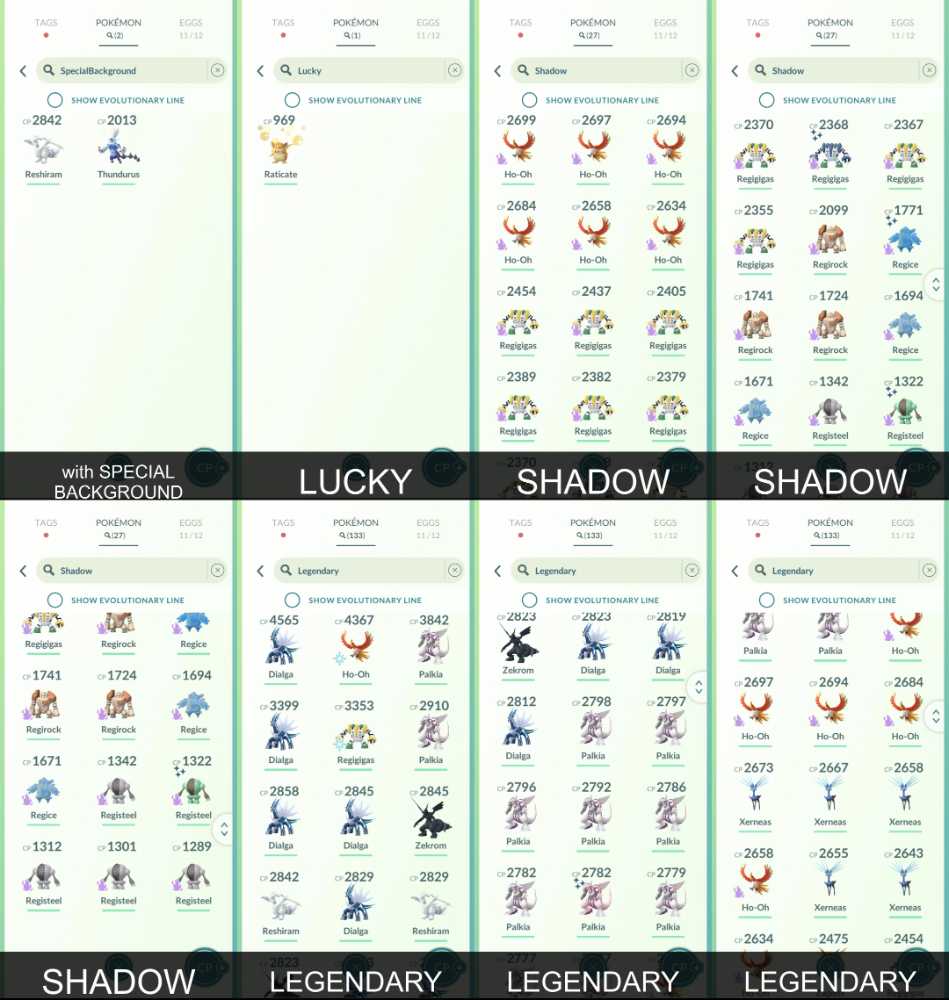
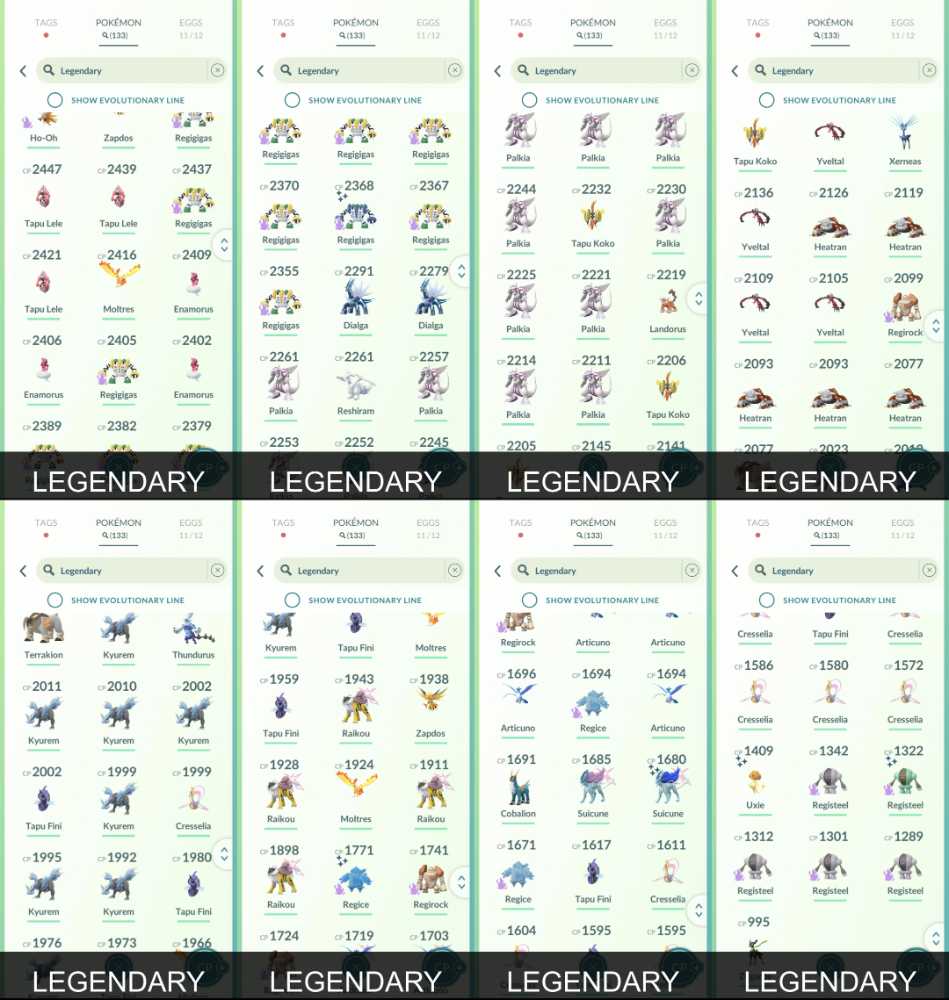
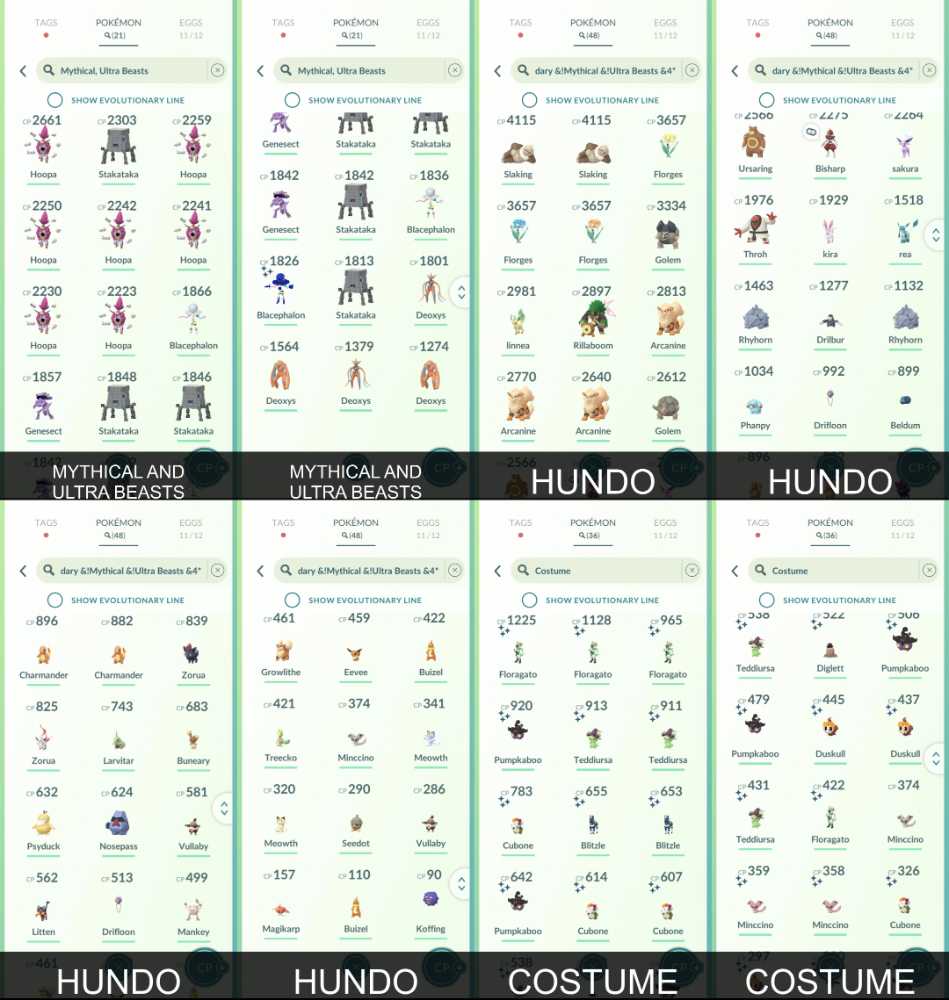
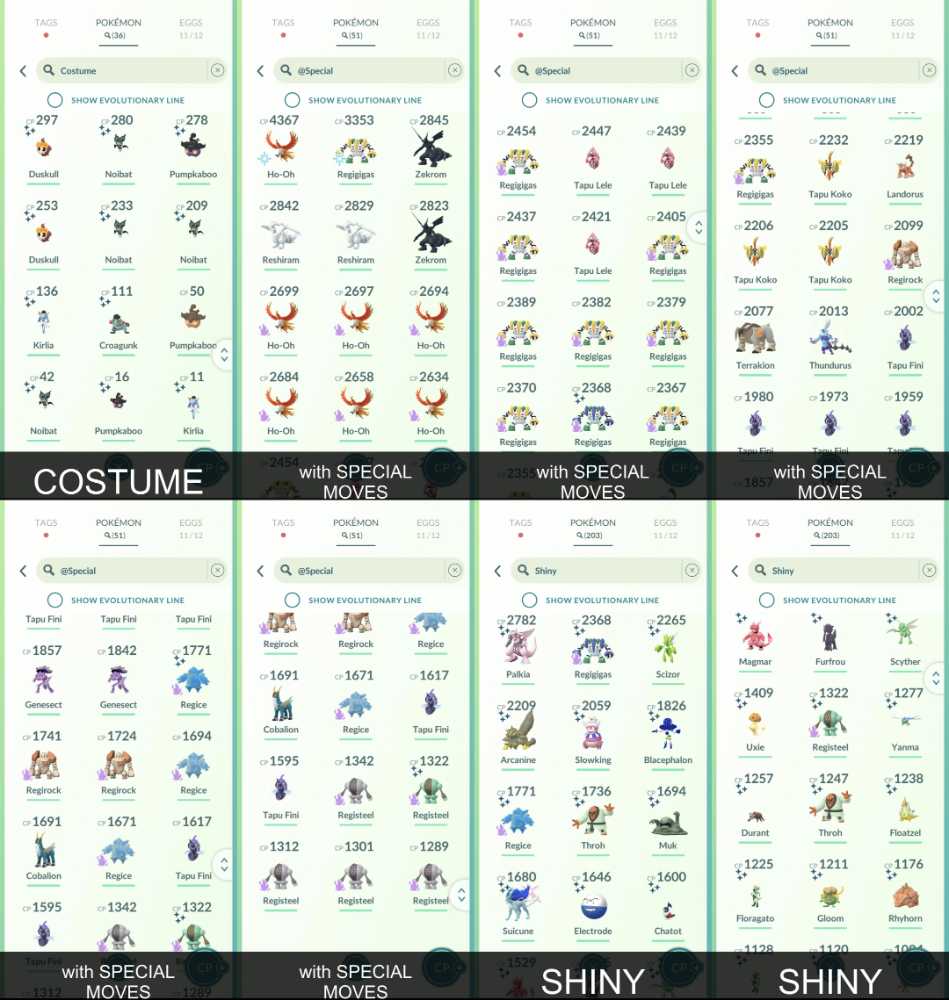
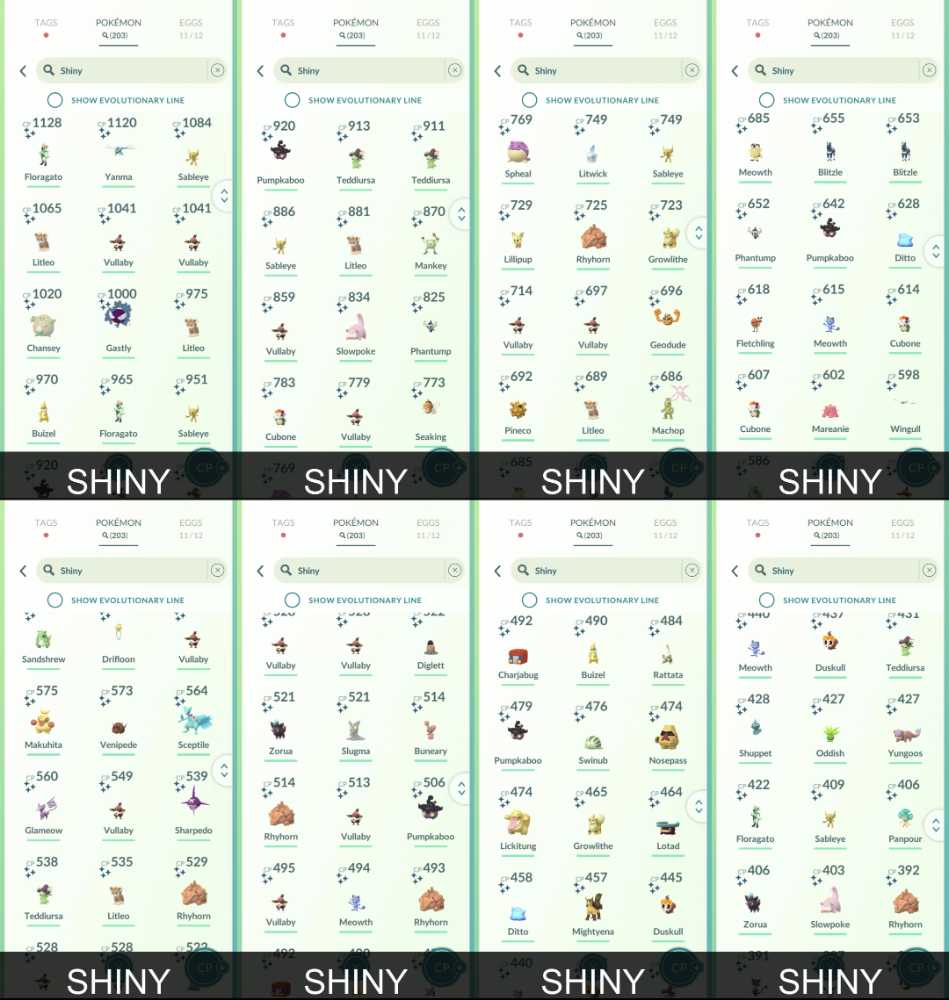
- Information and screenshots were taken from this specific Account that you will get.
===== ACCOUNT SPECIFICATIONS =====
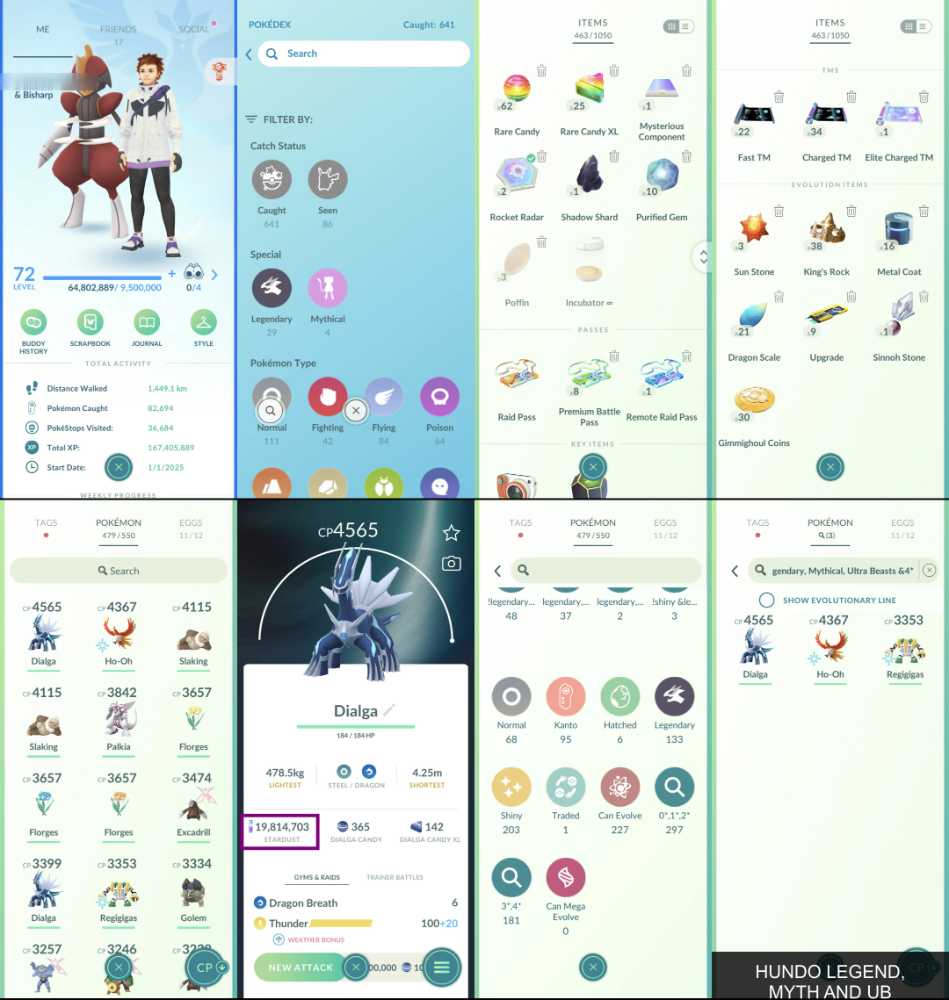
Level: 72
Start Date: January 01, 2025
XP: 167,405,889
Stardust: 19,814,703
Team: Mystic
Current Linked Accounts: Gmail and PTC
Mail Changeable: NO
Name Changeable: Yes
Team Changeable: Needs 1000 Pokecoins
Pokemon Tradable: ALL
Pokemon Storage: 550
Pokedex Entries: 641
Item Bag Capacity: 1050
Available Items: 463
Platinum Medals: 20
======= POKEMON COLLECTION =======
Total Pokemon: 479
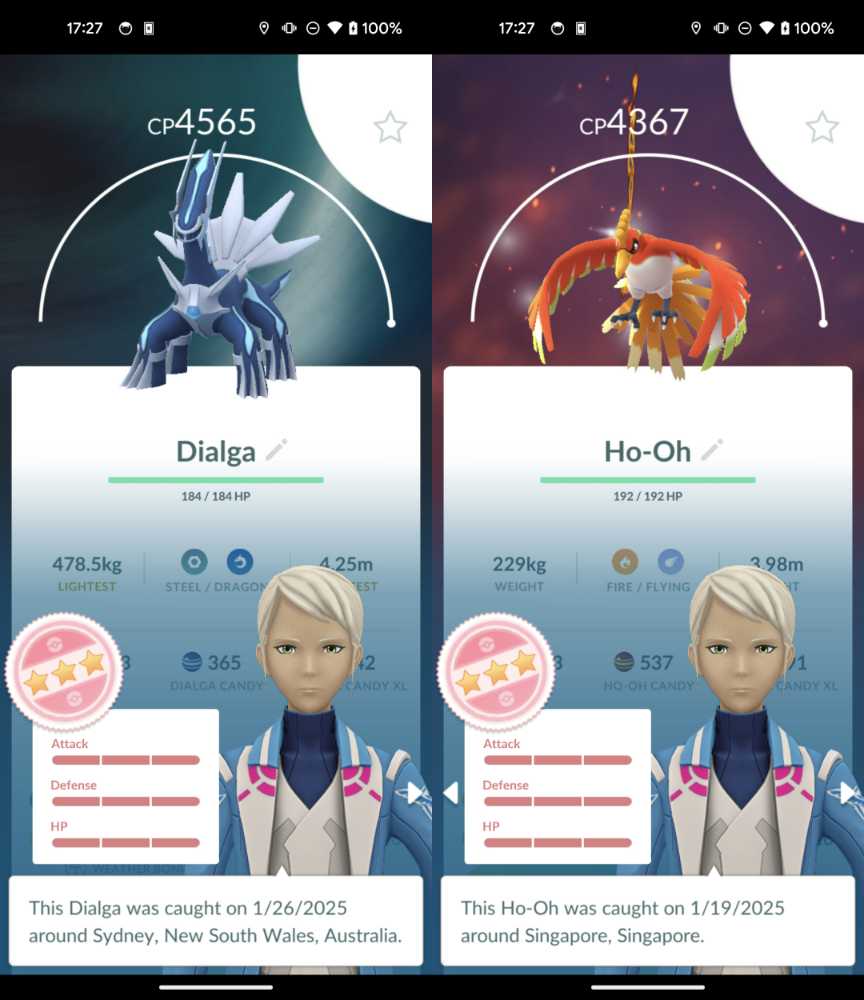
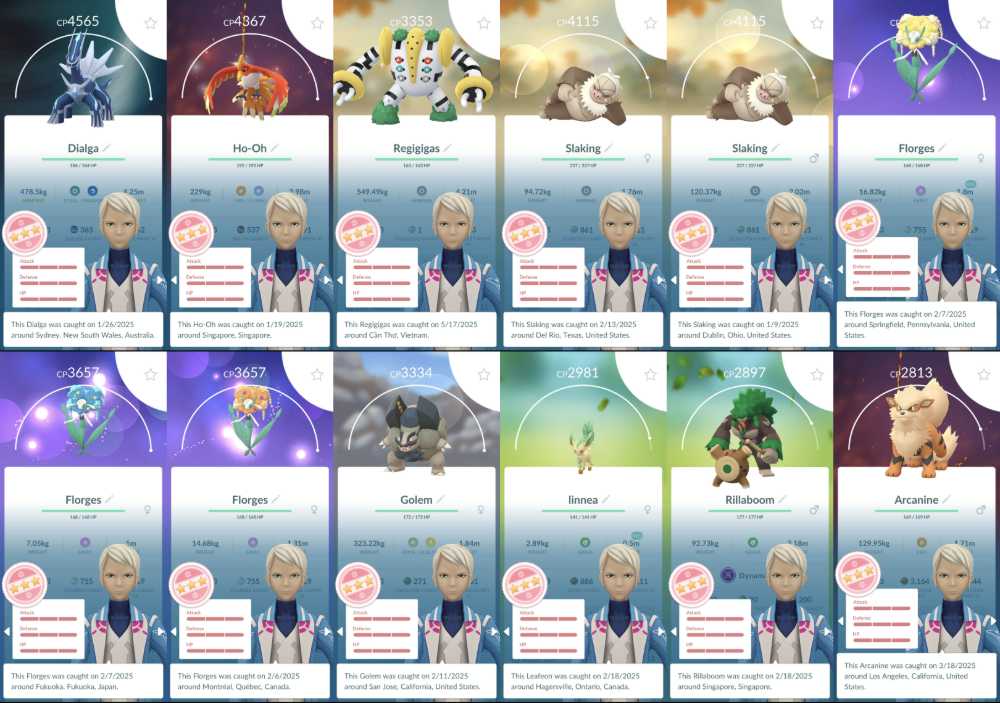
Hundo: 48
Shiny: 203
Legendary: 133
Ultra Beasts: 8
Mythical: 13
Shadow: 27
Costume: 36
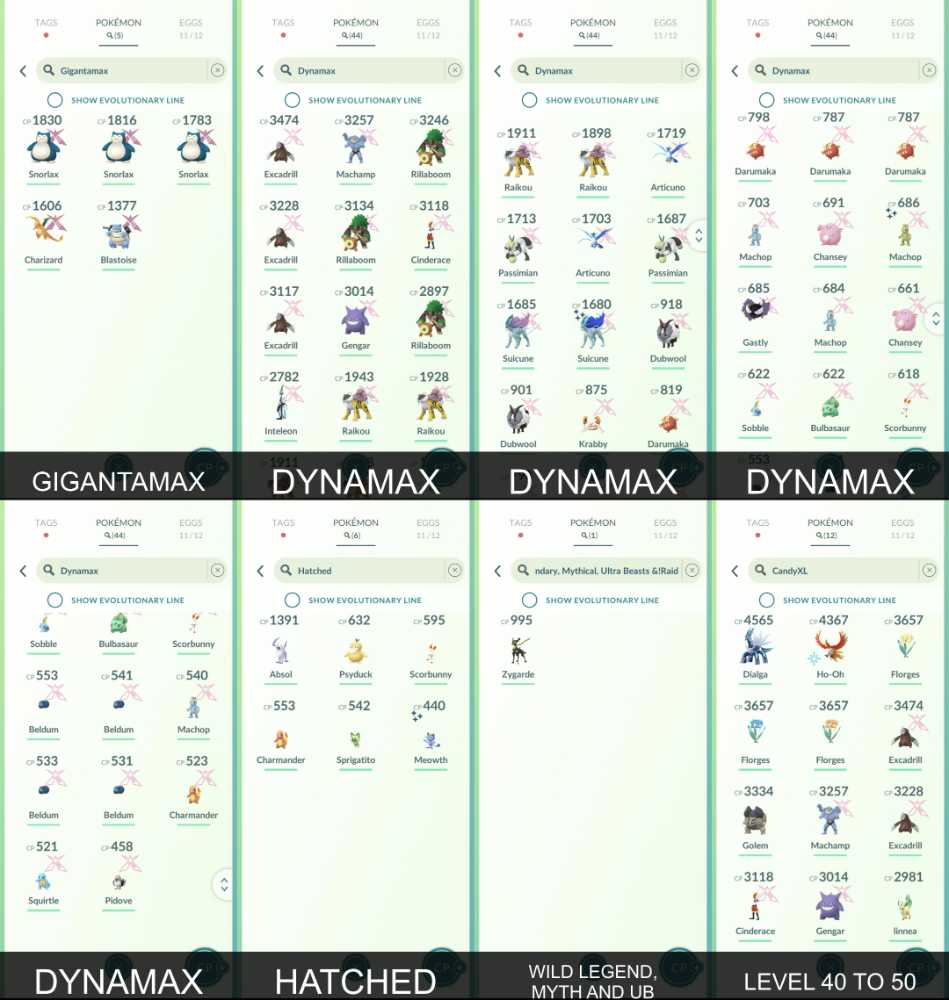
Hatched: 6
=========== HIGHLIGHTS ===========
Hundo Legend, Myth and UB: 3
Shiny Dmax: 2
Shiny Hatched: 1
Dynamax: 44
Gigantamax: 5
Wild Legend, Myth and UB: 1
Level 40 to 50: 12
Pokemon w Special Moves: 51
Pokemon w Special Background: 2
======= ACCOUNT HANDOVER =======
1. Prepare your Facebook/Apple ID to link with this PoGO account.
2. On the mobile app, log in using the PTC provided.
3. At the Map view, tap Ball, then Settings, then Account. Link your Facebook/Apple ID.
4. Log out.
5. Log in one more time. This time use your Facebook/Apple ID you have just linked.
6. Go to Account Settings in the mobile app again. Unlink the old login methods (PTC and others).
You're good to go. The account is now secured.
It's important to go through thoses steps. Please do not try to change the email address because that can trigger the security mode of the account.
Enjoy the game! Feel free to give me 5 stars for the service. I appreciate that.