

Accounts
In-Game Items
Top-ups
Game Coins
Gaming Services
NEW
Accounts
In-Game Items
Top-ups
Game Coins
Gaming Services
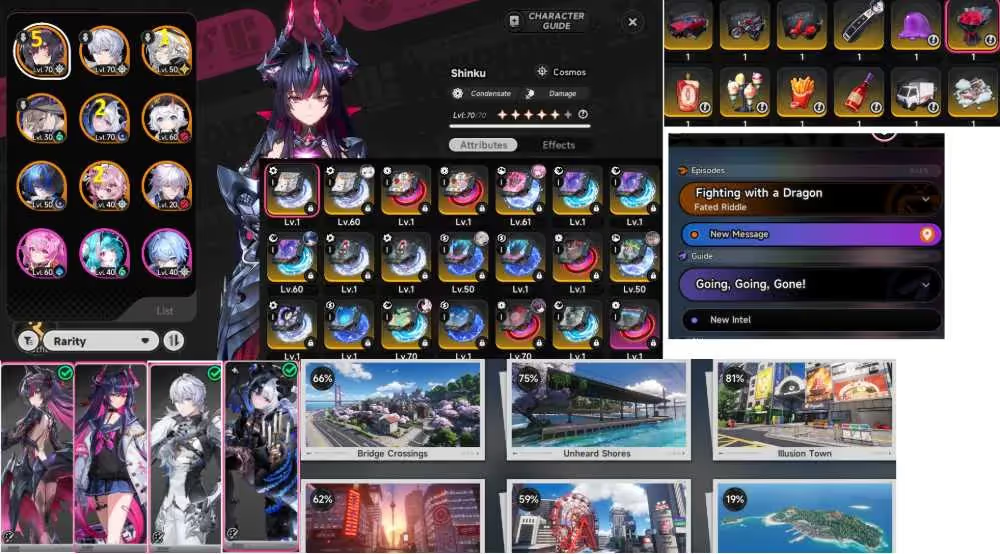
EU| A5R1 Shinku A2R1 + 2 skin| A2R1Lacrimosa + skin| Hathor| Jiuyuan| Sakiri| Daffodill| Baicang
198.00


Gold
Average Response Time:
Description
Specification
Item Type
Accounts
Game
Neverness To Everness
Server
Europe
Delivery Method
Automatic
Current Account Binding
