⚡ Welcome to AKM\'s Trusted Account Service! ⚡
With 4+ years of experience and 10k+ satisfied clients, I’m here to provide top-tier accounts and lightning-fast service. 🌟
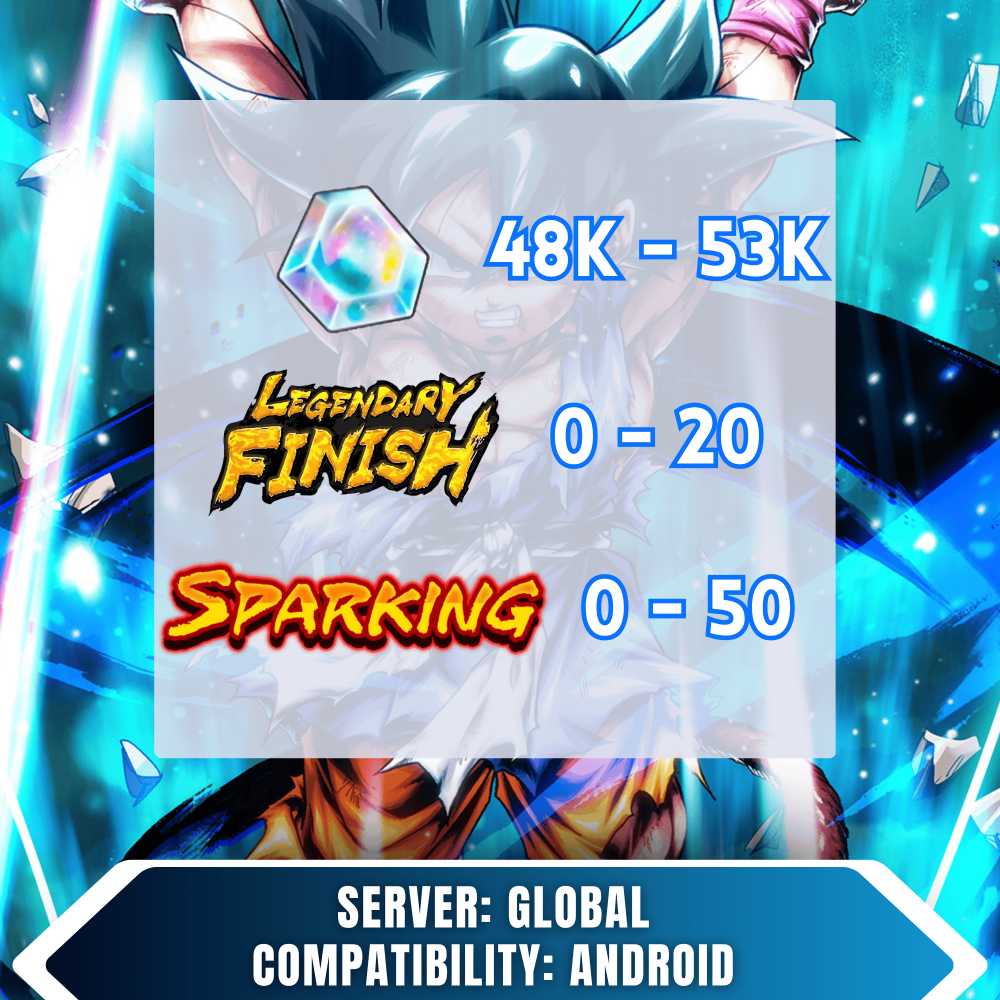
48000-53000 Chrono Crystal Account - Android Only
Instructions for Receiving and Logging Into Your Account:
Record a Video
Please record a video starting from the moment you receive the order until you log into the account. This will serve as proof of the process.
Change Email
This is a BNID account. You can change the email by visiting bandainamcoid.com/portal/account.
Important: Make sure to change the email as soon as you receive the account. We are not responsible if you fail to do so.
Device Considerations
It is advised not to play on iOS devices, as logging in on iOS may cause the Chrono Crystals to disappear.
Login Process
After receiving your account, please record a login video inside the game.
Steps to log in:
Delete the game if already installed.
Re-download the game.
Tap anywhere on the title screen to continue.
Select Transfer Data > Bandai Login.
Claim Chrono Crystals (CC):
Important: Make sure to claim all Chrono Crystals (CC) from the missions in the game.
If You Encounter Issues:
Co-op Issues: If you can\'t play co-op, complete the summon tutorial. It’s easy and will resolve the issue.
Shallot Super Saiyan God Error: If this error appears, restart the game, go to settings (bottom right), select Support, and then click Resync Game Data.
Account Validation & Evidence Submission:
Warning:
If the account doesn’t have Chrono Crystals (CC) on it, you must report it to me within 4 hours and provide the history rolls as evidence. Failure to provide sufficient evidence within this time will result in no responsibility from our side.
Show the Login Device:
Record a short video showing the login process or entering the application on the device used for login.