How to Sign in to Gmail Account?
1. Enter the Gmail address, then enter the password.
2. When you get to the 2-step verification, click (More ways to verify) and then (backup code) method. Enter one of the 8-digit backup codes and get into it.
3. After Signing in, please don't forget to change your password, email, phone recovery, If you still need a code, send a message
==================
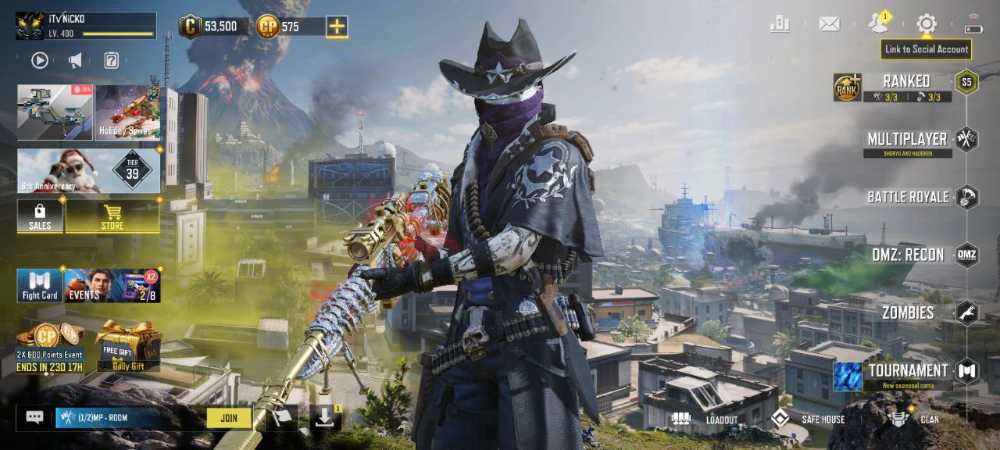
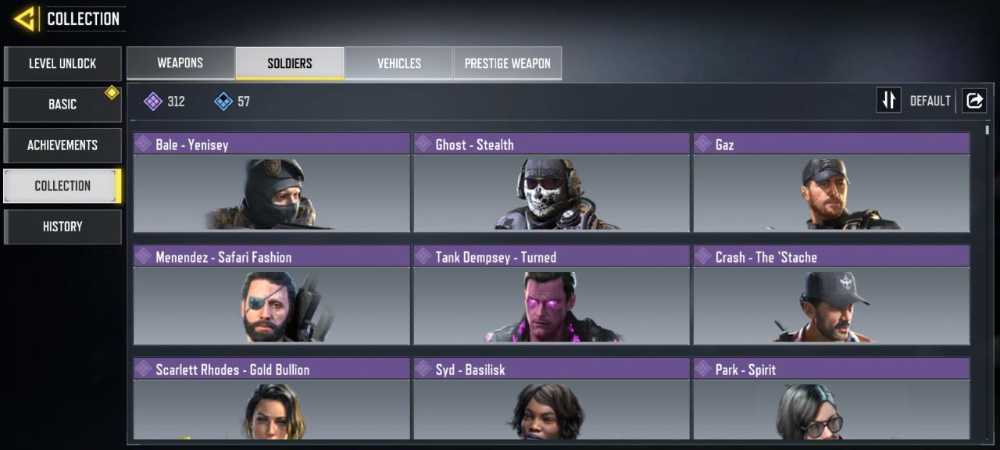
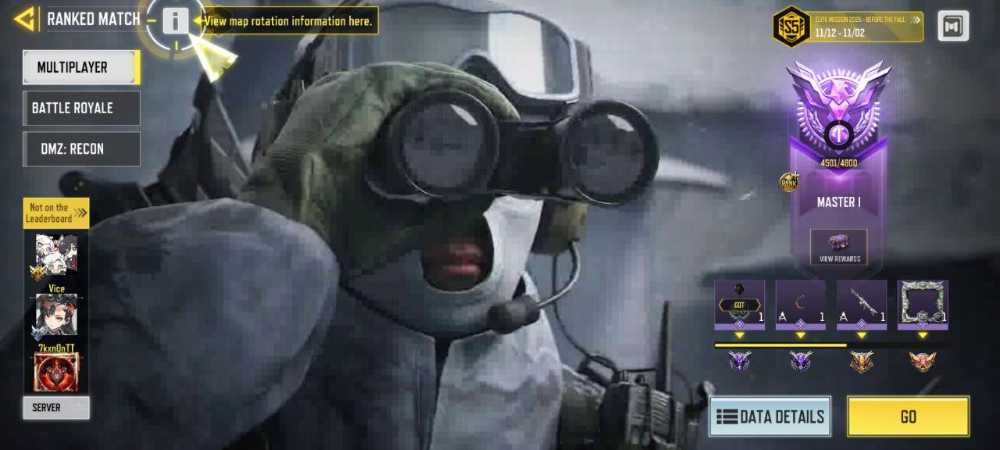
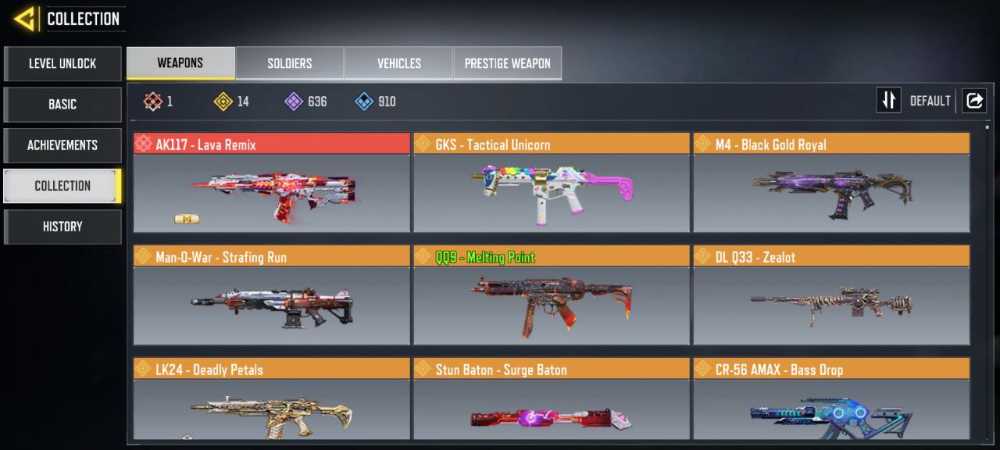
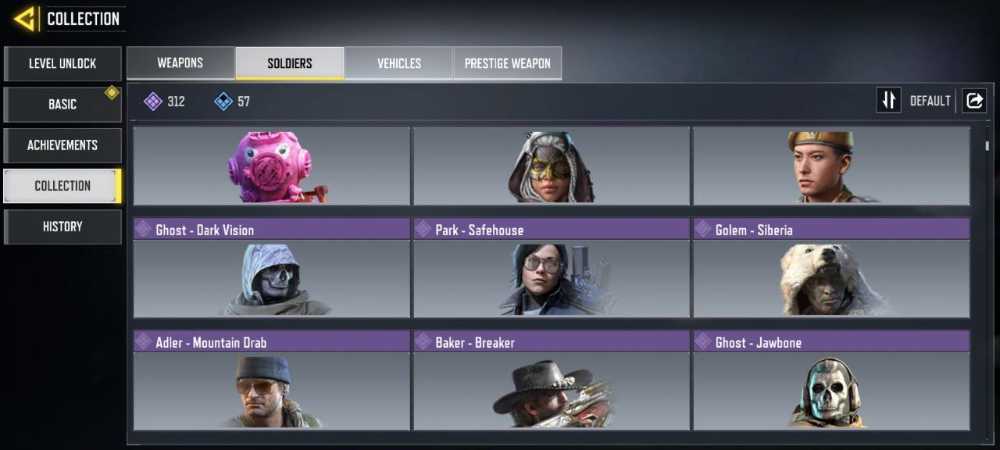
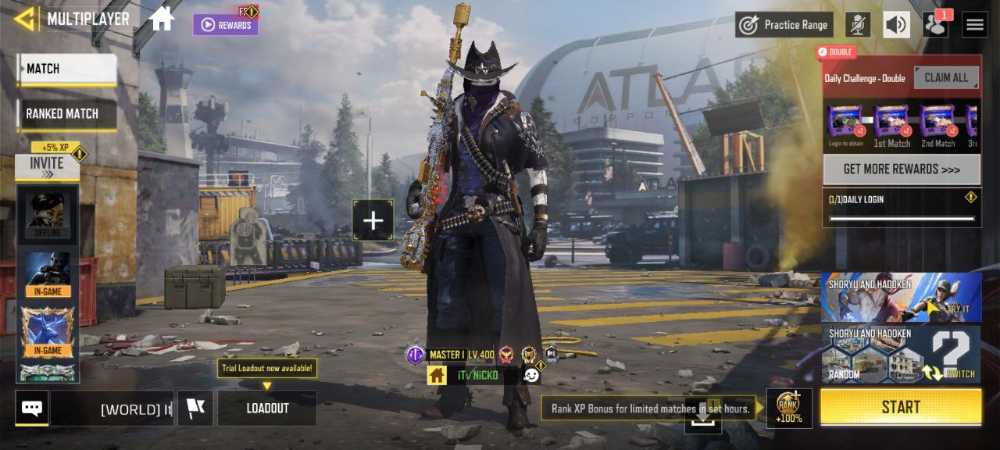
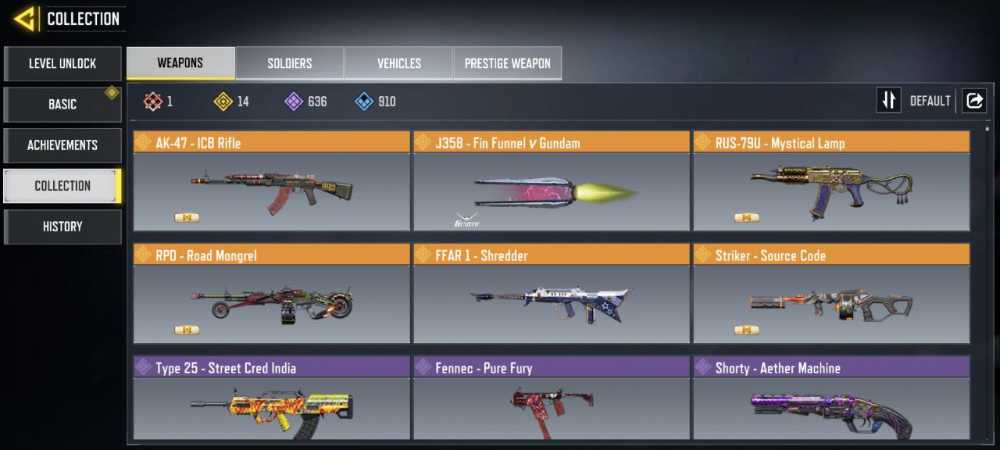
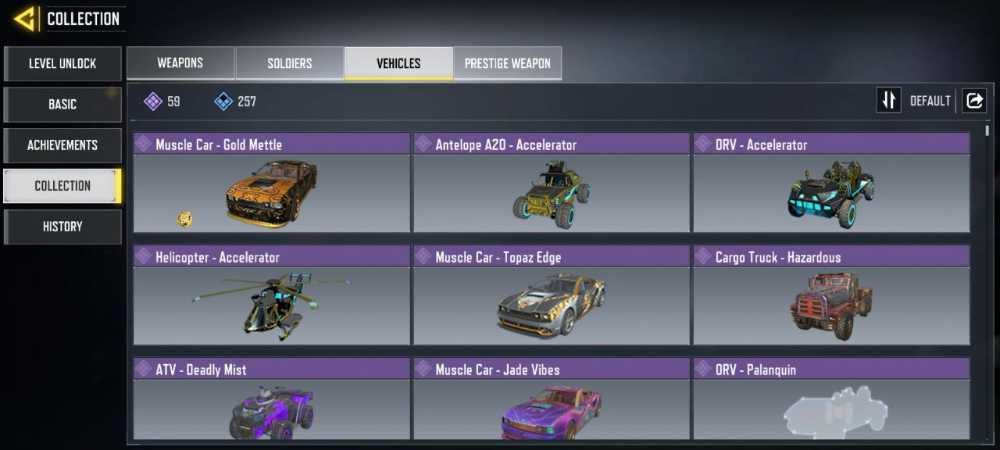
CALL OF DUTY Account Info : [email protected]
CALL OF DUTY Email: [email protected]
CALL OF DUTY Password: Sa1952266
Email Password: saeed7657Ab
LvL_400
Login Method_Call of Duty login
Code_ CA115
===================
Backup Code
1. 4122 8071 6. 0863 3958
2. 0974 2213 7. 9708 2191
3. 0596 8740 8. 9926 1062
4. 8630 4943 9. 3869 9496
5. 8515 6023 10. 4556 5610
====================
To Avoid Being Banned:
1. Don't message CALL OF DUTY support
2. Don't use the bot.
3. Don't share your account.