

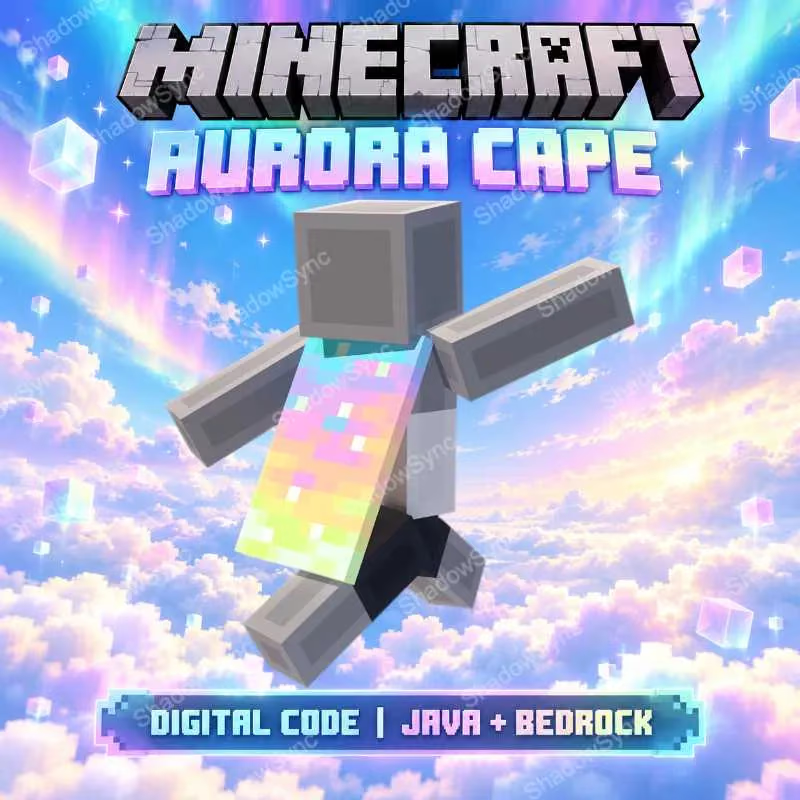
🔥 Minecraft Aurora Cape Code | Java + Bedrock | Twitch & TikTok 2026 | Digital Code/Key
1.99


Iron
5.0 (39)
说明
🌈 MINECRAFT AURORA CAPE
Receive 1 unused digital redeem code for the Minecraft Aurora Cape.
🎁 WHAT YOU RECEIVE
🟣 1× Aurora Cape Redeem Code
HOW TO REDEEM
1. Go to the official Minecraft redemption page: minecraft.net/redeem
2. Sign in with your Microsoft Account.
3. Enter the provided one-time-use code and complete the redemption.
4. Open Minecraft: Bedrock Edition and check your Dressing Room for the cape.
5. Java players: follow the instructions below to equip the cape in Java Edition.
⚠️ IMPORTANT
• This listing includes the Aurora Cape only.
• Each code can only be redeemed once.
• Microsoft Account required.
⚠️ NOTE FOR JAVA PLAYERS
After redeeming the code, first open Minecraft: Bedrock Edition and check the cape in your Dressing Room.
Then open Minecraft: Java Edition → Skins → select your current skin → ••• → Edit → choose the cape → Save & Use.
If the cape does not appear immediately, restart the Minecraft Launcher / Java Edition and make sure you are signed in with the same Microsoft Account used to redeem the code.
规格
账户
Minecraft
100
协调
无界账户/手机
1 Hour
Looking for Minecraft Accounts? You can easily browse Minecraft Accounts for Sale, or find Cheap Minecraft Accounts from multiple verified sellers on ZeusX.

ZeusX Guarantee
Shop with confidence when you Buy Minecraft Accounts. Your payment is securely held by ZeusX until the transaction is completed. If you do not receive your item, receive a non-working item, or the item does not match the listing description, you can raise a dispute and our team will help resolve the issue.